Build layers, manage color, animate numbers and streamline everyday production. Choose focused After Effects panels that fit the way you already work.
Keep the actions you repeat close at hand, from the first import to the last adjustment.
Bring everyday commands into a focused panel so you can spend less time navigating menus.
Create and organize layers with the settings your project needs, then keep moving through the timeline.
Handle recurring color, layer and number changes with tools designed for those specific tasks.
Use one specialist panel or combine several. Each product page explains the workflow and supported setup.
Five focused tools for layers, color, shortcuts, counters and everyday After Effects work.

Keep imports, layers, timeline actions and everyday commands together in one After Effects panel.
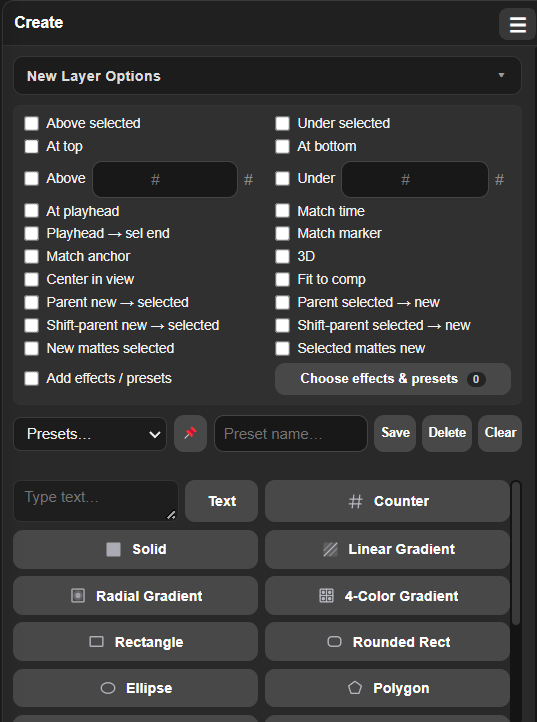
Create, position, parent and style everyday layers without rebuilding the same setup.
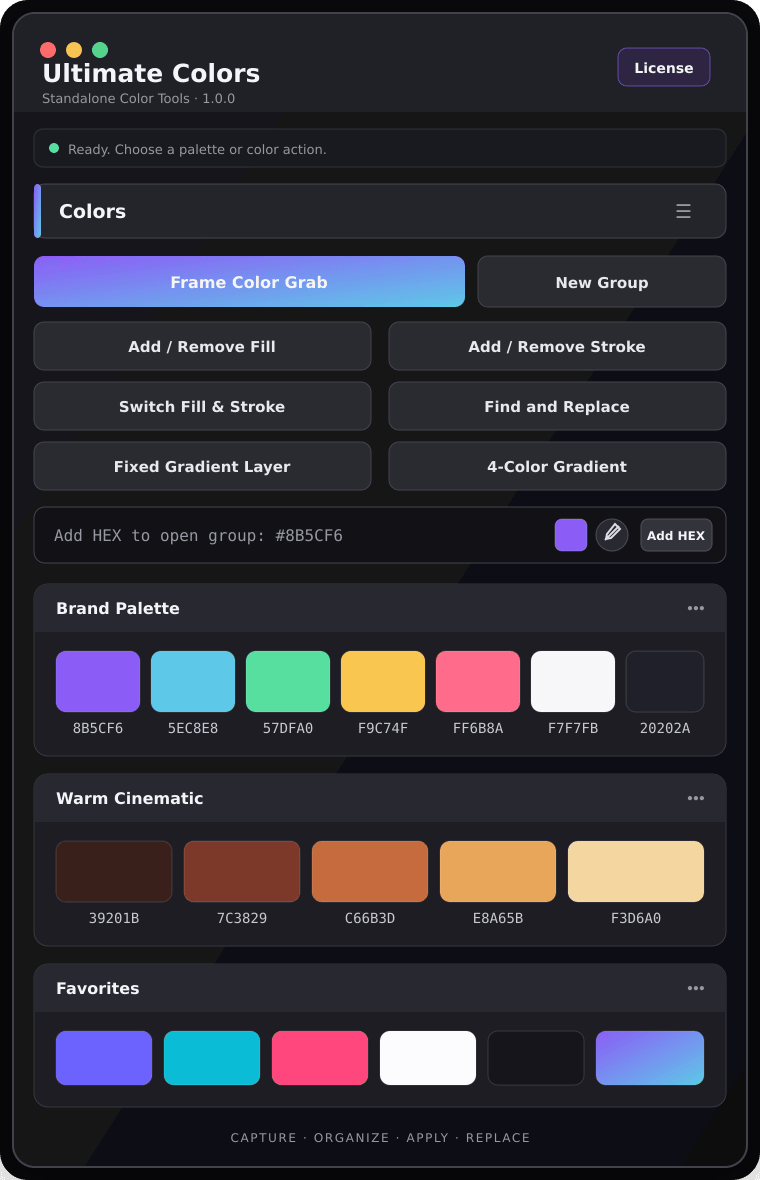
Capture palettes, apply colors and replace them across supported properties from one panel.
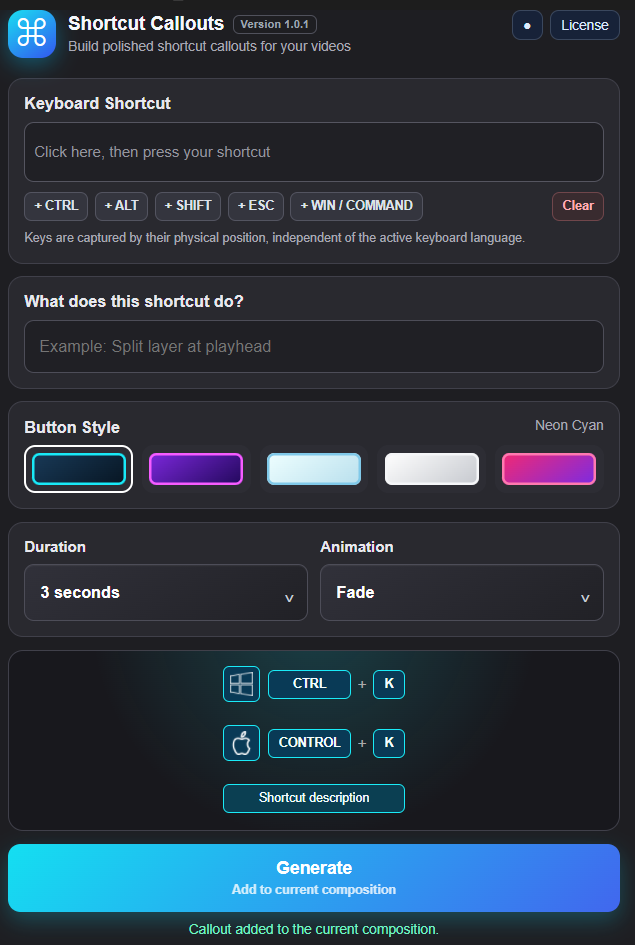
Build editable shortcut callouts for tutorials and on-screen demonstrations.
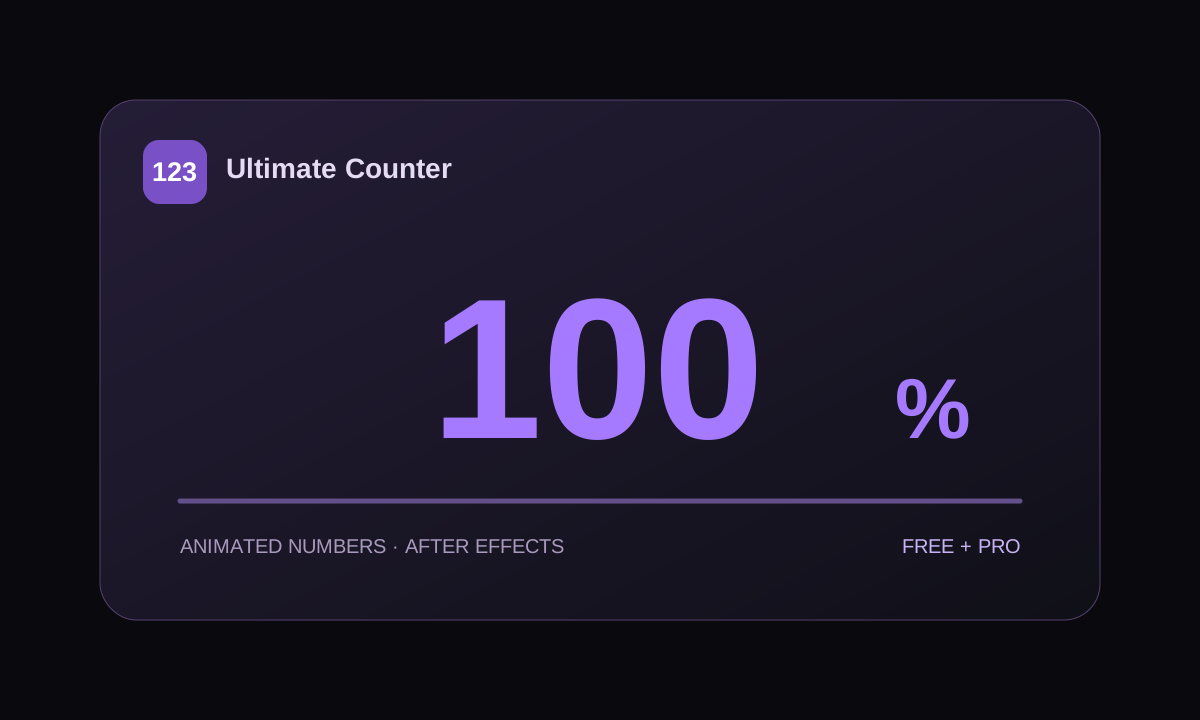
Create animated number layers. Start with Free or choose Pro for more styling, preview and editing controls.
Check the product’s supported After Effects versions, download its package and follow its installation guide.
In After Effects, open Window → Extensions and select the installed product. Dock it where it feels right.
Start with an action you repeat often. Use the product guide to explore the controls as you need them.
Explore Ultimate Tools or try its 7-day trial in your own After Effects workflow.
 Ultimate Plugins