AFTER EFFECTS WORKFLOW
Remove silence and edit by transcript in After Effects
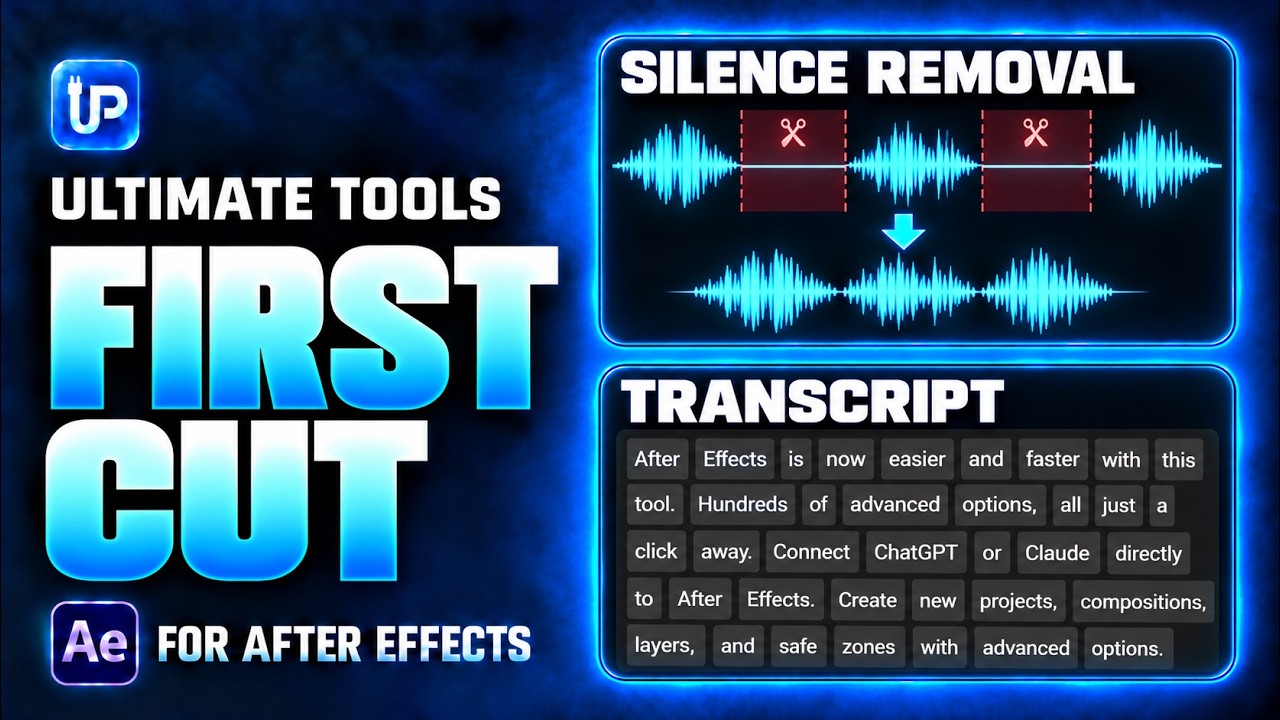
First Cut brings silence removal and transcript-based editing into Ultimate Tools for After Effects. Use it to prepare spoken footage, review pauses and repeated takes, and make an initial edit before you add animation or polish the pacing.
Start with the recording, not a fixed threshold
A quiet pause and a softly spoken word can look similar to a silence detector. The right settings depend on the recording. Background noise, room tone and changes in speaking volume affect which sections are detected.
Open First Cut with your source footage ready. Adjust the silence threshold and minimum silence duration, then analyze the audio. Use Keep Pad to preserve a little space around speech instead of cutting every word tightly. Review the result before applying it to the timeline.
A practical silence-removal workflow
- Open First Cut and choose the audio or footage you want to work with.
- Set the threshold, minimum silence duration and Keep Pad for the recording.
- Analyze the audio, then review the detected pauses. Listen to quiet words and the beginnings and endings of sentences.
- Choose how gaps should be handled and whether the output should be pre-composed.
- Apply the silence cuts, play the edit back and adjust settings if the result feels rushed. Use the available update or restore controls when revising the cut.
Use the transcript when the edit depends on words
Silence removal answers a timing question: where are the pauses? Transcript editing helps with a different task: choosing what the speaker says. In First Cut, choose the speech model and language, analyze the transcript, and review the recognized words against the audio.
Select words and preview their audio before making a transcript cut. This is useful when a speaker repeats a take or when you want to remove a phrase while keeping the surrounding speech. Check names and unusual terms manually; a transcript is an editing aid, not a guarantee that every word is correct.
Finish with an editorial review
An automatic cut is a starting point. Keep pauses that support meaning, breathing and emphasis. Check the joins while listening, then refine the timing in your composition before adding titles, motion graphics or music.
First Cut is included in Ultimate Tools; it is not a separate download. The full product also includes Action Ring, animation controls, timeline organization and reusable libraries. See the product page for the current package, price and supported setup.